Color Control
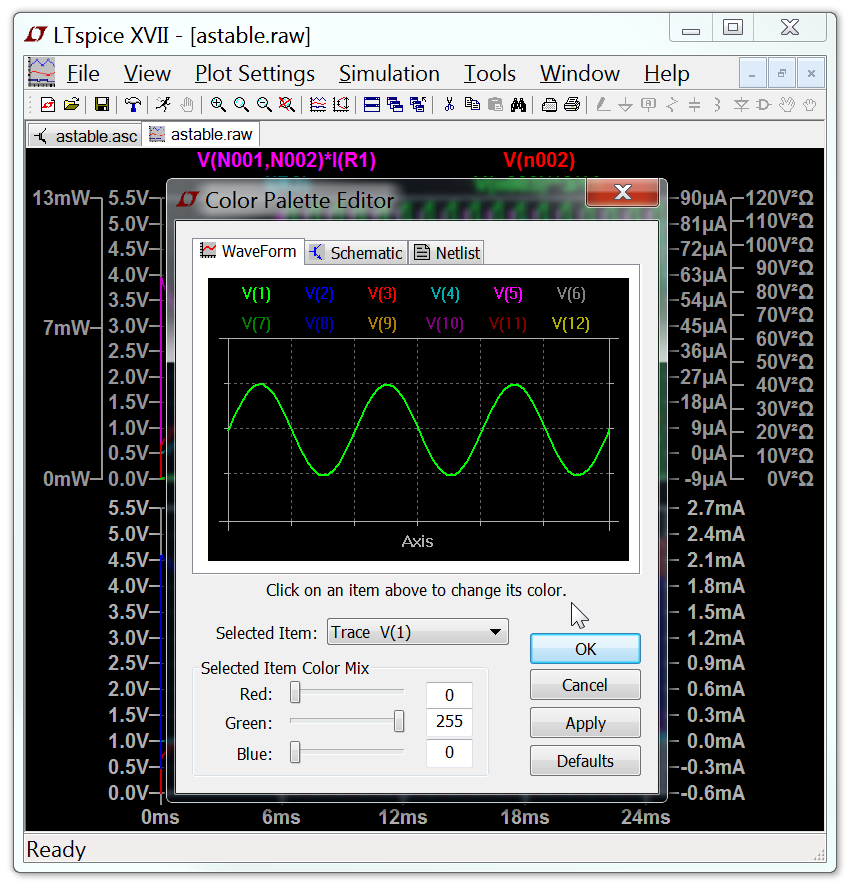
The menu command Tools=>Color Preferences colors allows you to set the colors used for plotting data. You click on an object in the sample plot and use the red, green and blue sliders to adjust the colors to your preferences.
Copyright © 1998–2025 by Analog Devices Inc. All Rights Reserved.